Prepare the image you want to save
To make a logo or product in ice, first prepare the source code. A clear image without unnecessary details around is suitable for the logo. For a sneaker, choose a photo that clearly shows the silhouette, sole and characteristic elements of the model. Indicate its full name if you use the subject prompt below.
The task of the neural network is to build the environment, light and ice surface. At the same time, she can change the lacing, brand sign or small details. Therefore, the advertising frame must be compared with the real product. Beautiful ice does not compensate for an error in the product's shape.
Before generation, choose one of two approaches. The lake and forest provide an atmospheric winter scene. The gray studio background keeps the focus on the subject itself. Don't combine both descriptions at once: in one case there is a natural environment, in the other it is deliberately minimal.
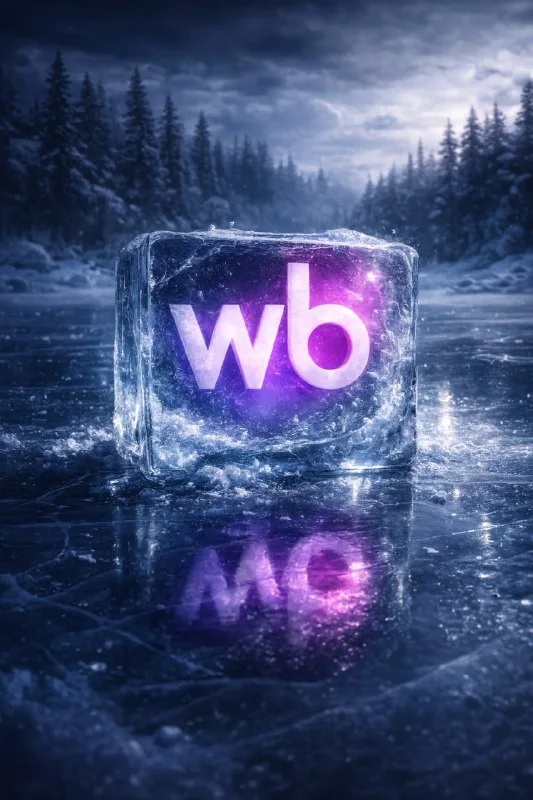
Logo in a cube on a frozen lake
Logo in a transparent ice cube
Guy Bourdin–inspired surreal fashion photography.
A frozen "NAME" emblem encased inside a perfectly clear ice cube,
placed on the surface of a frozen lake.
Winter forest in the background, dark pine trees, overcast sky.
Hard directional light, sharp contrast, dramatic shadows,
unnatural color accents, cinematic tension.
Ultra-realistic photograph, medium format look,
shallow depth of field, cold blue tones, glossy ice texture,
high detail, studio-level lighting in outdoor environment.Replace NAME with the desired name and attach a logo image if the tool allows you to use a reference. The prompt specifies a transparent cube, a winter forest, hard directional light and cold shades. This is an atmospheric composition, so the accuracy of small letters will require separate checking.
If the sign is similar but incorrect, do not use it as the final logo. You can save a successful scene and embed the original sign in the editor: adjust the perspective, transparency and reflections to the faces of the cube. For a complex logo, this method is often more convenient than constantly regenerating the entire frame.
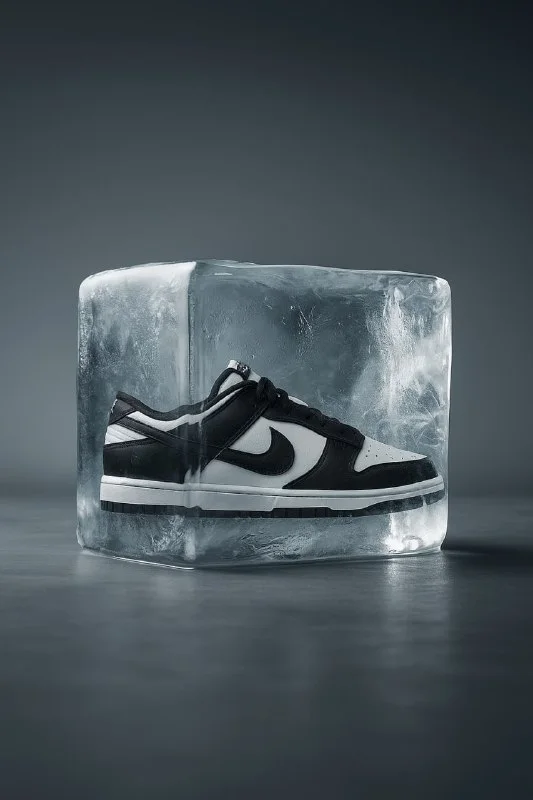
Sneaker inside a studio ice cube
Sneaker inside ice
High-end product photography of [MODEL] sneaker frozen inside a perfectly transparent ice cube, placed on a solid matte studio surface, realistic reflections on the ground, minimalistic background in soft grey gradient, cinematic studio lighting, sharp focus, luxury advertising style, no transparent backgroundInstead of [MODEL], enter the name of the model and add its photo. Here we have a matte table, a soft gray gradient and a reflection on the surface. The phrase no transparent background refers to the background of the image: the original frame does not suggest a transparent file, although the ice itself is described as transparent.
Check whether the product physically fits into the cube. Sometimes the toe or sole goes beyond the edge, and the ice simultaneously appears both in front of the object and behind it without any clear thickness. Such errors are more noticeable when the image is enlarged. Don't choose a result based on pretty highlights alone.
Checking ice, light and perspective
- The faces of the cube should fit into one clear shape, and not diverge at random angles.
- The product inside must have a consistent scale and a readable silhouette.
- Reflections and contact shadow should connect the cube with the surface on which it stands.
- The logo, sole pattern and color blocks of the product must match the original.
If the glass surface completely obscures the product, reduce the described haze, cracks, or reflections. Change one reason at a time. If the subject is incorrect, work from a reference or montage; additional detailing of the ice will not correct this error.
Assembling a winter banner
Place the frame in the editor and leave a free area for the message. Enter the name of the promotion, price and terms separately. In an atmospheric forest scene, the text may need a calm background. On a studio background it is usually easier to find a free area without complex details.
Coordinate the title color with one focal point of the frame. A cool image doesn't require all elements to be blue; a small contrasting accent can help highlight the main thing. Look at the result on your phone and check if the product itself is not lost behind the decorative effect.
Save the original photo and the working file with separate layers. If you need to change the sentence later, you don't have to regenerate the entire frame. For another subject environment there are prompts for product photos .
Select the inscription for the next layout
After preparing the subject frame, select a title for the banner. Creative typography contains 823 prompts with previews, including glass, metal and other three-dimensional inscriptions.