First, formulate the complete offer
Write in plain text what you are selling, to whom and under what conditions. For example: a discount on a new clothing collection is valid until Sunday. At this stage, do not adjust the meaning to a beautiful short word. If the terms of the promotion are unknown, leave them for agreement, and do not invent them for the sake of composition.
Next, highlight the main idea. «НОВАЯ КОЛЛЕКЦИЯ» announces the arrival of new stock, «СКИДКА» talks about benefits. Choose what really drives the offer. The date, discount amount and exclusions will remain a separate text. This analysis helps you see which part of the message needs a visual effect and which needs precision.
Check the title without embellishment
Create a rough banner with a simple font. Provide a title, one line of explanation, and an action. If the message is not clear in this form, a 3D material effect will not correct the problem. First, clarify the words: «Новое» without a photo and context is too vague.
For the exercise, compare two options: «СКИДКА» with an explanation about the collection and «КОЛЛЕКЦИЯ» with a separate badge showing the discount. Keep the photo, margins and colors the same. This way you are assessing the emphasis of the message rather than random differences in design. Check the layout zoomed out, just like when viewing a feed.
Create only a large inscription
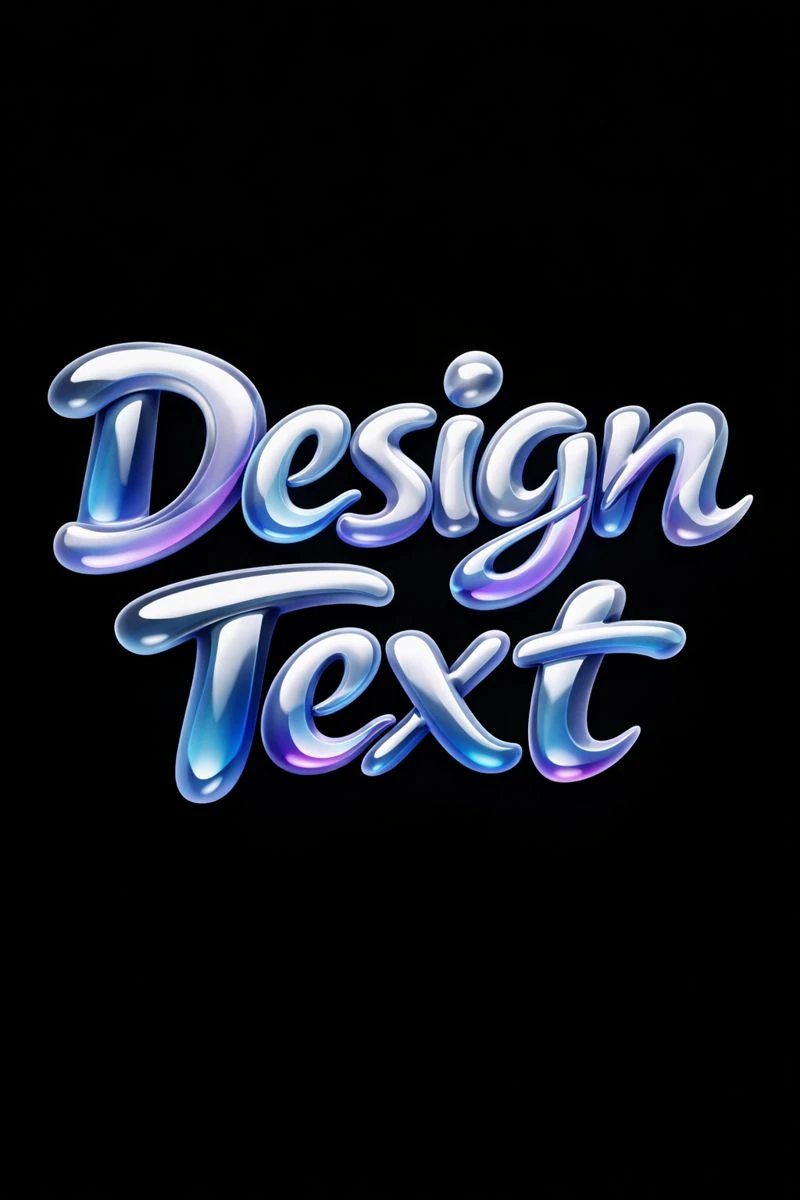
The prompt below creates smooth 3D letters. Replace the original text with the selected title. For the first option, leave a short phrase and a calm background: the result will be easier to check and cut out.
Volumetric inscription made of liquid material
Modern commercial typography, “Любой Текст”, liquid 3D letterforms, smooth flowing shapes, glossy material, subtle gradients, soft diffused light, solid background for easy cutout, futuristic yet elegant branding style, 3:4Check each letter immediately after generation. The neural network can shorten a word, change a symbol, or add an inscription. First, choose the one with the correct text, then evaluate the shape and highlights. The small function word should not be generated along with the title: type it in the editor.
Gather three levels of information
- Place the volumetric inscription at the top level of the hierarchy. Leave room for highlights and shadows around it.
- Next, add a description that ties the title to a specific product or service.
- Set the deadline and conditions in a regular font. Reduce the decorations if these lines would otherwise not fit.
- Select one action: view the collection, sign up, or write. Don't stack multiple competing calls to action.
If the discount is stated as a percentage, check the number separately with the customer. The product image should not accidentally cover the percent sign. To type the price and date, use editable text layers: this way, edits will not require you to re-create the entire title.
Remove excess before exporting
Show the banner to the person without explanation and ask them to retell the offer. If he only remembers the effect, go back to the size ratio. Increase the clarification, weaken the background, or reduce the decorative lettering. This is more useful than adding another bright badge.
Save the draft with plain text next to the final version. The comparison will show whether the volume helps the task. The next step is to combine such a header with regular fonts , and for different sizes the banner adaptation will be useful.
Select the inscription for the next layout
When the wording has already been chosen, the material of the letters can be selected using the examples in Creative Typography. There are 40 prompts available in the free demo, and 823 in the full library.